Capture the whole session
Screen actions, optional audio, entries, exits, chart changes, hesitation, and mistakes.
 Trade Lens
View plans
Trade Lens
View plans
TRADE LENS, WITHOUT THE EXTRA WORK
TradeLens automatically journals the chart, the decisions, and the session while you trade. Review the process later without trying to reconstruct it from memory.
01 / WORKFLOW
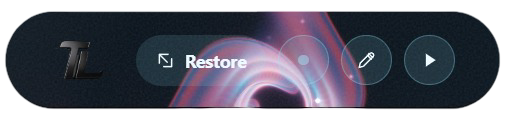
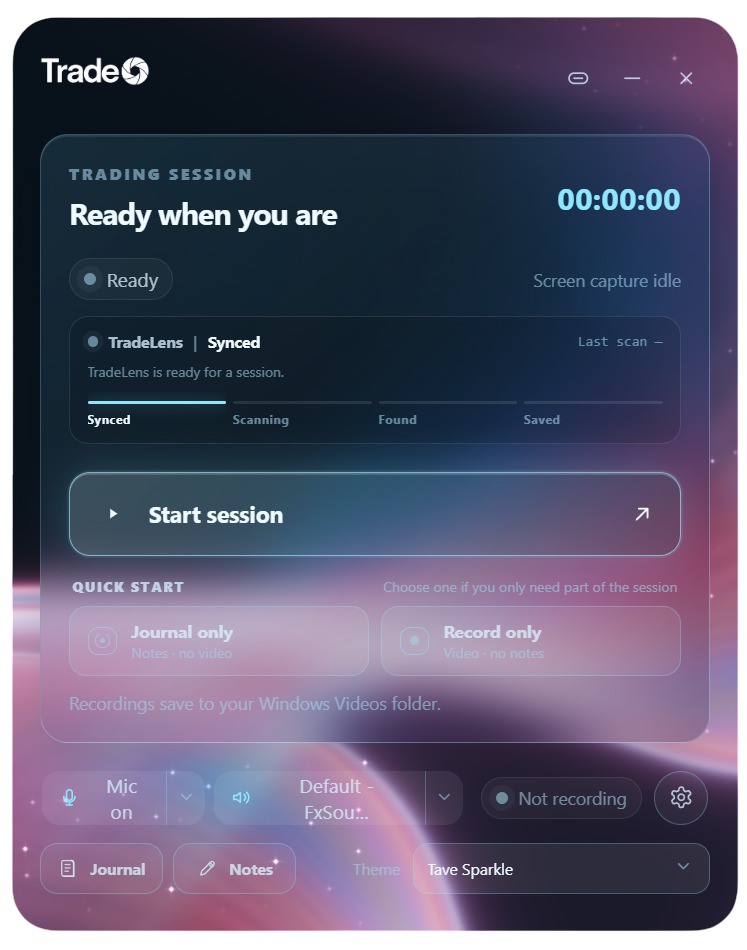
Trade Lens stays close to the trade: capture the session, write while it is happening, connect the evidence, and come back to review it.
Keep your trading platform visible and begin from the floating desktop widget or minimized quietly in the background.
Capture the screen and optional audio without adding another browser tab to your workflow.
Record your emotions and thoughts while the real journaling is being handled.
Connect the trade log, screenshots, recording, and PNL summary when the session is done.
02 / THE RECORD
Not another generic dashboard. A practical record of what you saw, what you did, and what you felt across the whole session.
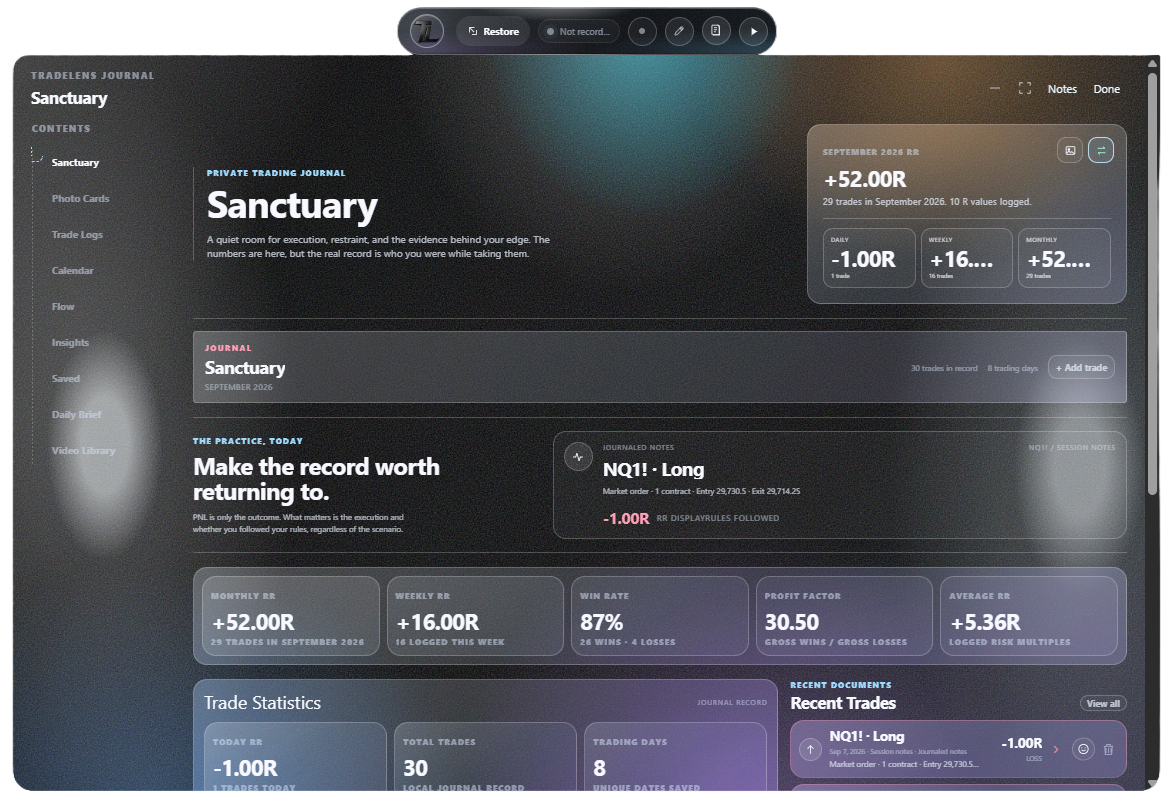
Screen actions, optional audio, entries, exits, chart changes, hesitation, and mistakes.
Trade details, screenshots, videos, notes, and review cards stay together instead of scattered across tools.
Local-first storage, saved drafts, organized exports, and no trade execution.